What is a web crawler? A modern taxonomy for 2026
On this page
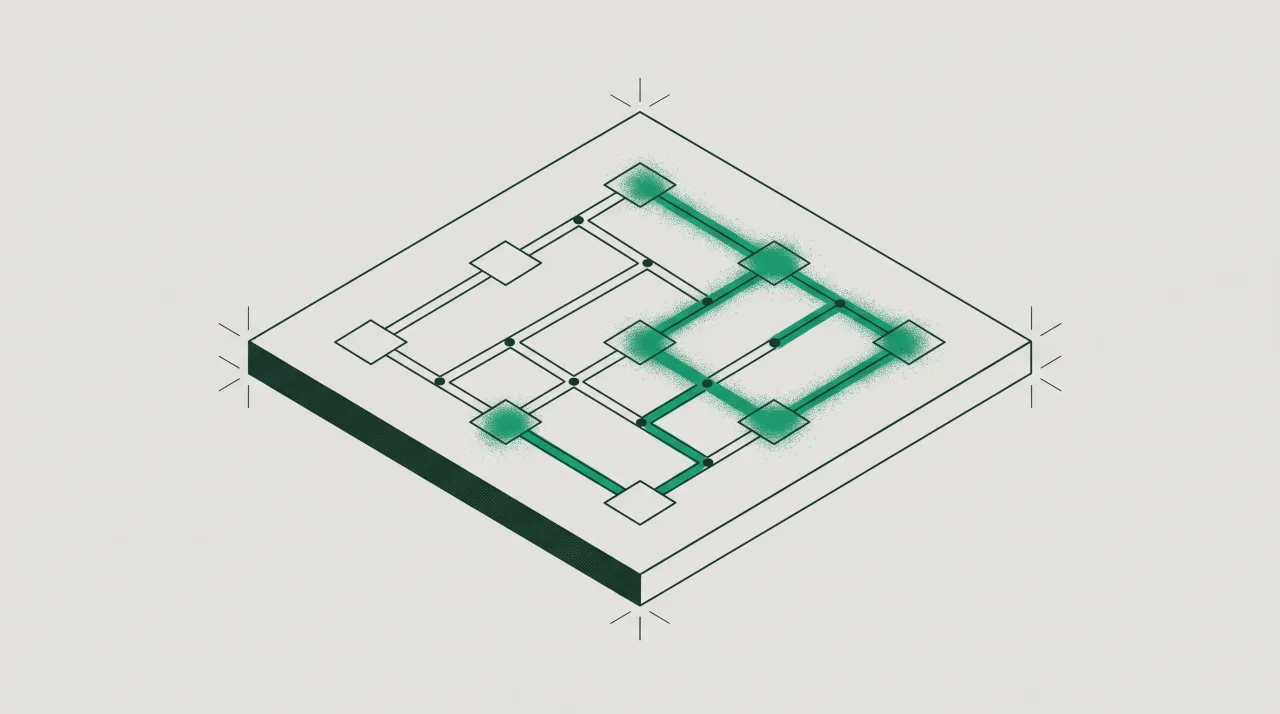
A web crawler is an automated program that fetches web pages and follows the links inside them to discover more pages, usually to build a searchable index or a dataset. It is also called a spider, a bot, or a robot. You give a crawler a starting URL, it downloads that page, extracts every link, adds those links to a queue, and repeats. Googlebot is a crawler. So is the bot that copies your articles to train a language model.
That last sentence is why the plain definition is no longer enough. For twenty years “web crawler” essentially meant “search engine bot.” In 2026 that is only one category among several, and some of the others do not want to be identified at all. Automated traffic has now overtaken humans on the web: bots accounted for 51% of all internet traffic in 2024, the first time automated activity surpassed human activity in a decade. This page defines what a crawler is, explains how one works, and then gives you a modern taxonomy plus a practical way to tell the categories apart in your own server logs.
How a web crawler works
A web crawler works by repeating a fetch-and-follow loop over a queue of URLs. The mechanics are consistent across almost every crawler ever built:
- Seed URLs. The crawler starts with a list of known addresses, often a homepage or the URLs listed in your XML sitemap.
- Fetch. It requests each page and downloads the HTML, and sometimes images, CSS, and JavaScript.
- Parse and extract links. It reads the page, pulls out every hyperlink, and adds new ones to a queue called the crawl frontier.
- Apply rules. Well-behaved crawlers check
robots.txtfirst and obeynoindexdirectives, crawl-delay hints, and rate limits. - Store or index. The fetched content is passed to whatever the crawler feeds: a search index, an archive, or a training corpus.
- Repeat and revisit. The crawler works through the frontier and comes back later to catch changes.
Two policies decide how aggressive a crawler feels on your server. A politeness policy spaces out requests so the crawler does not overload you, and a revisit policy decides how often it returns. When a bot ignores both, it stops looking like a librarian and starts looking like a denial-of-service problem. How much of your server capacity search bots consume is worth watching, which is the practical side of managing crawl budget on a large site.
Good bots and bad bots
A good bot identifies itself honestly, obeys robots.txt, and crawls at a reasonable rate; a bad bot hides its identity, ignores your rules, and takes content you did not intend to give away. The line is about behavior and consent, not about the technology, because the underlying fetch-and-follow loop is identical.
Legitimate crawlers publish their name and their IP ranges so you can confirm them. Malicious crawlers do the opposite. As Wikipedia’s own entry on crawlers notes, spambots and other hostile crawlers are unlikely to leave identifying information and will often disguise themselves as a browser or as a well-known bot. This is the single most important fact about crawlers today: the name a bot gives you is a claim, not proof. Any script can send User-Agent: Googlebot. Telling the honest ones from the impostors is a verification problem, and separating either from your human visitors is a bot-traffic detection problem.
A modern taxonomy of web crawlers
There are five practical categories of crawler you will meet in 2026, grouped by why they are fetching your pages. Sorting traffic this way is far more useful than the old “spider versus scraper” split, because it maps to what each bot does with your content and how you should treat it.
| Crawler type | Purpose | Well-known examples | Obeys robots.txt? | How to treat it |
|---|---|---|---|---|
| Search index | Builds a search engine index | Googlebot, Bingbot | Yes | Allow and verify |
| AI training | Collects text and media to train models | GPTBot, ClaudeBot, Google-Extended | Usually | Allow or block by policy |
| AI search / user-fetch | Fetches a page live to answer a user prompt | OAI-SearchBot, PerplexityBot, ChatGPT-User | Mostly | Allow for visibility |
| Scraper | Copies content or data for resale or reuse | Unbranded bots, headless browsers | Often no | Watch and rate-limit |
| Monitoring / SEO | Audits sites for uptime, links, or rankings | AhrefsBot, SemrushBot, UptimeRobot | Yes | Allow selectively |
The categories that did not exist a few years ago are the AI ones. AI training crawlers gather large volumes of public text and media to build language models. AI-search crawlers, sometimes called user-fetch agents, are different: they retrieve a single page in real time because a person asked an assistant a question and your page might answer it. Blocking the first does not block the second, and the two use different user-agent strings. Our explainer on what GPTBot is walks through how one AI operator splits its crawlers by job. The older distinction between a crawler and a copier still matters too, and we cover it in web crawler versus scraper.
How to tell crawlers apart in your own logs
You separate crawler types by combining three signals from each request: the user-agent string, the source IP address, and a verification check that ties the two together. No single signal is trustworthy on its own.
Start with the user-agent, but treat it as a hypothesis. It tells you what a bot claims to be. Group your log lines by user-agent and you will quickly see the shape of your non-human traffic, but do not stop there.
Confirm identity with the IP address. Genuine operators publish the IP ranges their crawlers use, and many support a reverse DNS check: you look up the hostname for the connecting IP, confirm it belongs to the claimed operator, then do a forward lookup to make sure it resolves back. A request claiming to be Googlebot from an address outside Google’s ranges is a spoof. This is the standard way to verify Googlebot, and the same reverse-and-forward DNS method works for most major bots.
Read the behavior. Search crawlers fetch broadly and revisit on a schedule. AI-search agents tend to arrive in tight bursts around a single URL right after someone asks a question. Scrapers often ignore robots.txt, hit paginated or high-value pages hard, and rotate through IPs. Once you can label traffic by category and verified identity, you can make real decisions: allow the search and AI crawlers you want indexing you, throttle the scrapers, and stop guessing.
Doing this by hand across millions of log lines does not scale, which is the gap server-side agent analytics is built to close. The approach classifies every non-human request by crawler type and cryptographically verifies which bots are genuinely who they claim to be, so a spoofed user-agent gets caught instead of counted.
Frequently asked questions
Is a web crawler the same as a scraper?
No. A crawler discovers and downloads pages by following links, usually to index them. A scraper extracts specific data from pages, often without permission and often ignoring robots.txt. Many tools do both, but the intent differs: crawling maps the web, scraping harvests it.
Is Googlebot a web crawler?
Yes. Googlebot is Google’s web crawler, and it is the program that discovers and indexes pages so they can appear in search results. You can confirm a request is really Googlebot with a reverse DNS lookup on its IP rather than trusting the user-agent string.
Are AI bots like GPTBot web crawlers?
Yes. AI crawlers use the same fetch-and-follow mechanics as search crawlers, but they collect content to train models or to answer live user questions rather than to build a traditional search index. They send distinct user-agent strings and can be allowed or blocked independently in robots.txt.
Can web crawlers be blocked?
Well-behaved crawlers respect robots.txt and noindex rules, so you can steer them per user-agent. Crawlers that ignore those rules must be handled at the server or firewall level, by rate-limiting or blocking verified-bad IP ranges, since they will not honor a polite request.
How do I know if a crawler is real or fake?
Verify it. Check whether the source IP belongs to the operator’s published ranges and passes a reverse-then-forward DNS check that matches the claimed user-agent. If the name and the network do not agree, the crawler is spoofed.